Canva home

Education YouTube channel art templates

Want to grab viewers’ attention from the moment they land on your page? Design a catchy YouTube channel art for your educational content with our templates.More

Create a blank Education YouTube Banner
Showing 37 of 37

Education YouTube channel art by Canva

You’ve poured your heart and soul into creating amazing educational content for your YouTube channel. Your lessons are informative, engaging, and fun, but you’re not getting the traction you want. There are a lot of factors to consider. It could be your video title, the algorithm, or perhaps your channel’s overall branding. If you think it’s the latter, maybe it’s time to revamp your education YouTube channel art to attract new audiences.

A visually appealing YouTube banner art instantly grabs attention, tells people what your education channel is about, and sets the tone for all your content. But let’s be honest, creating channel art from the ground up is a lot of work. It can even get confusing and time-consuming for some. This is where Canva comes in to save the day. Our intuitive editing platform helps you design the most creative YouTube channel art using ready-to-use templates perfect for educational content. No graphic design experience is needed.
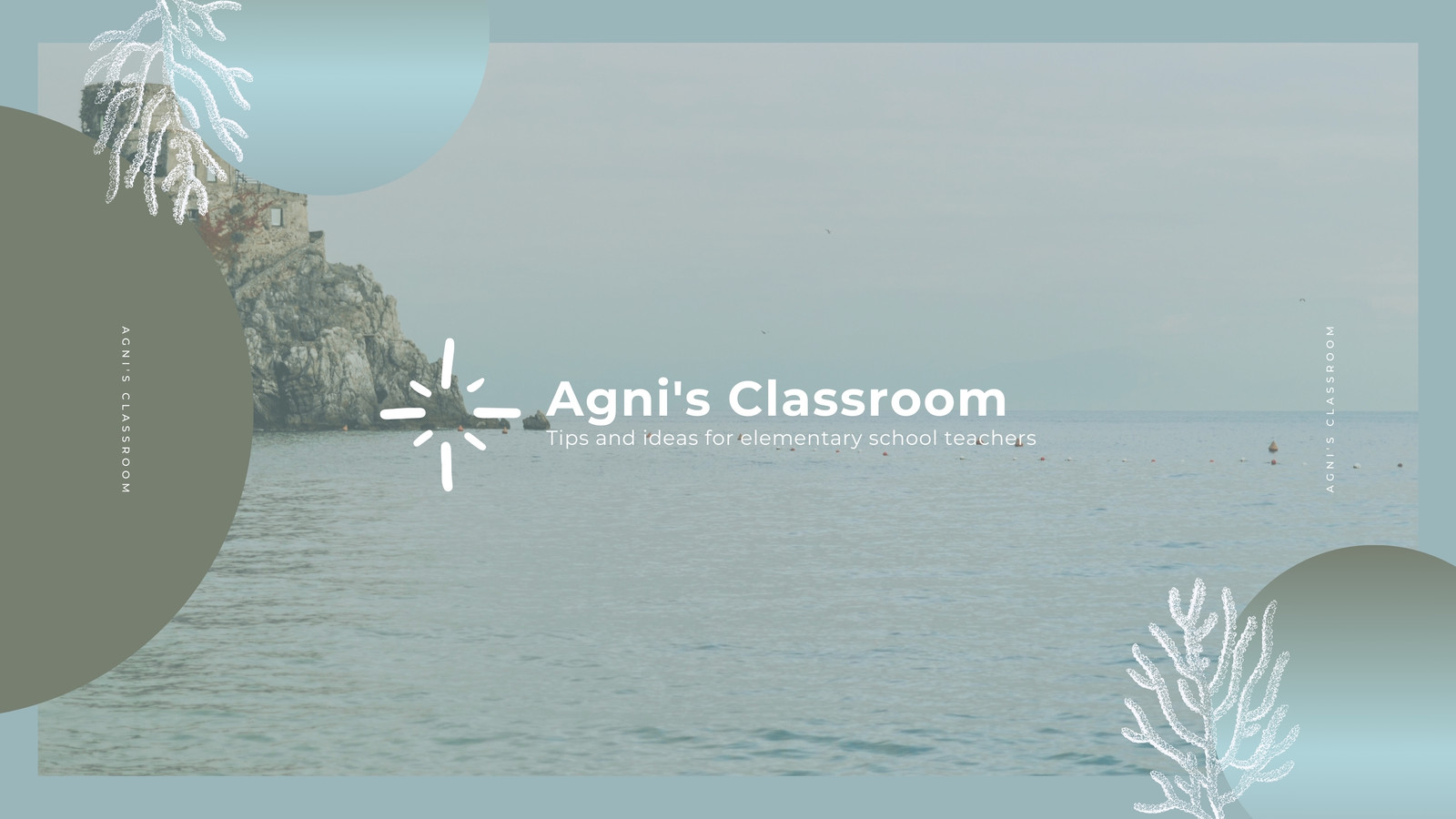
Getting started is simple. Explore our library and select a template that captures your eye. Think chalkboard-inspired backgrounds for history lessons, colorful diagrams for science channels, minimalist layouts for language learning, or quirky themes for how-to videos. Whatever educational content you’re making, you’ll find a suitable template that’s right for your channel.

And the best part? These Canva education YouTube channel art templates are free. Filter them by style, theme, feature, or color. Pick a design and start editing. Replace the background with a different hue that matches your logo’s color palette. Upload your photos instantly and drag them onto your canvas. Add a witty catchphrase using our text editor tool. Throw in other design elements such as geometric icons, animal illustrations, or anything that matches your video theme. Sounds like a lot of work? Not at all. You just have to drag and drop the elements onto your template.

Once you’re done editing, save and download your design. Upload the channel art straight from Canva or share it on your social media accounts.

You’ve poured your heart and soul into creating amazing educational content for your YouTube channel. Your lessons are informative, engaging, and fun, but you’re not getting the traction you want. There are a lot of factors to consider. It could be your video title, the algorithm, or perhaps your ch...